

Settings Tab: Embedded Calendar Design Template
The Settings tab controls how the embedded calendar behaves for end users. Use these options to customize the default view and interactions of your calendar.
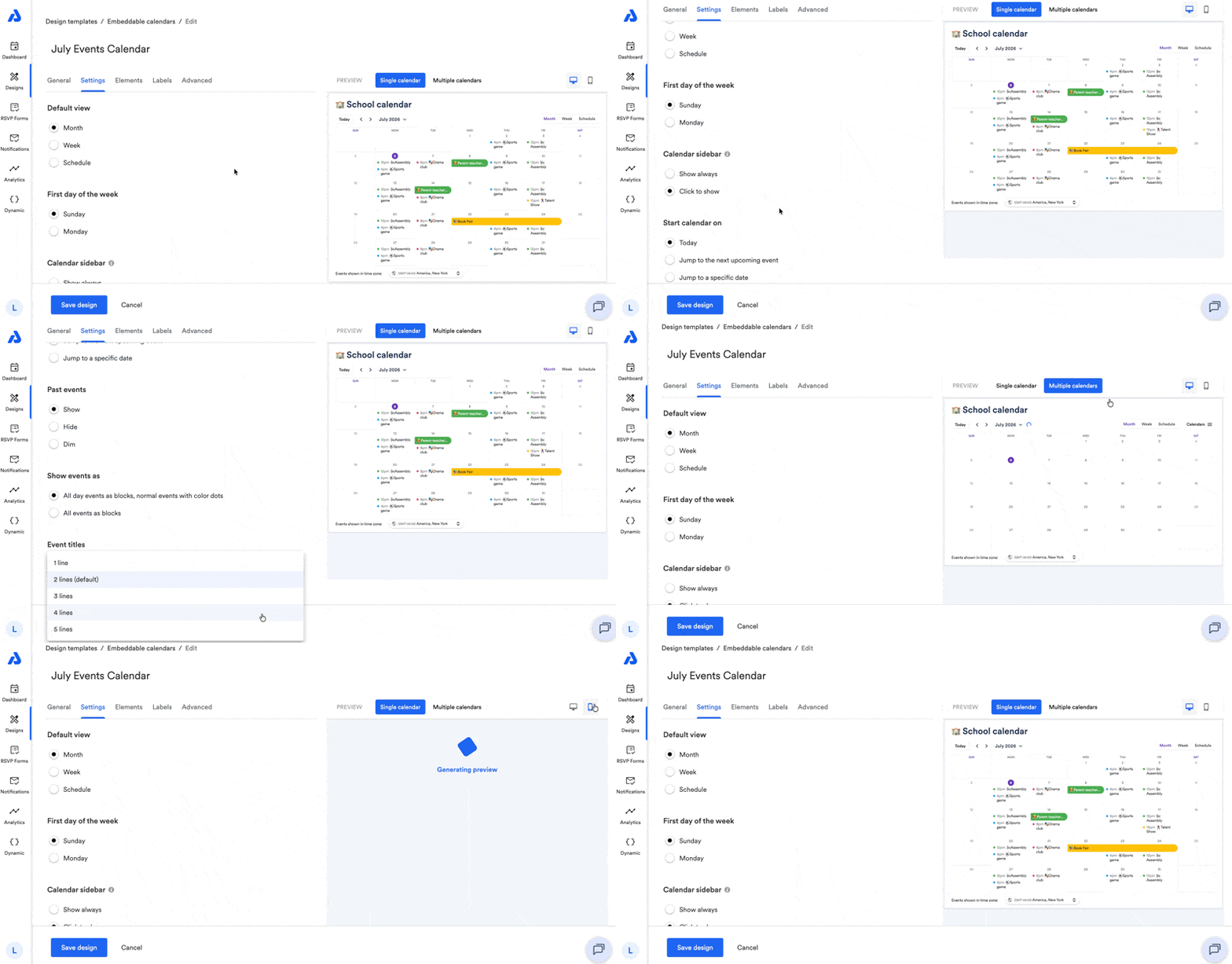
Settings Tab
Below are available settings within the Settings tab of the embeddable calendar design.
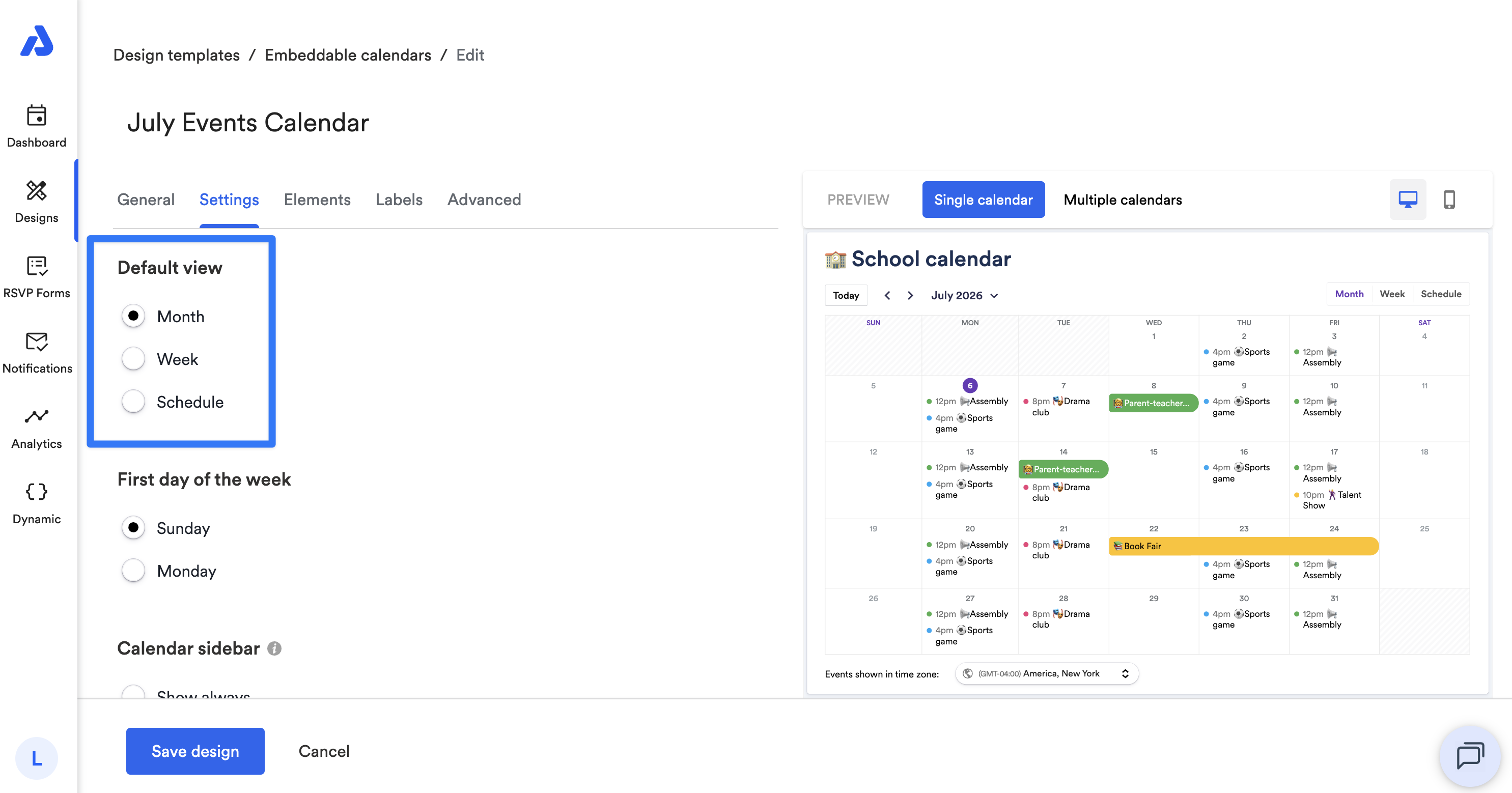
Default View
You can select the default view that displays when the embedded calendar first loads:
-
Month (default)
-
Week
-
Schedule
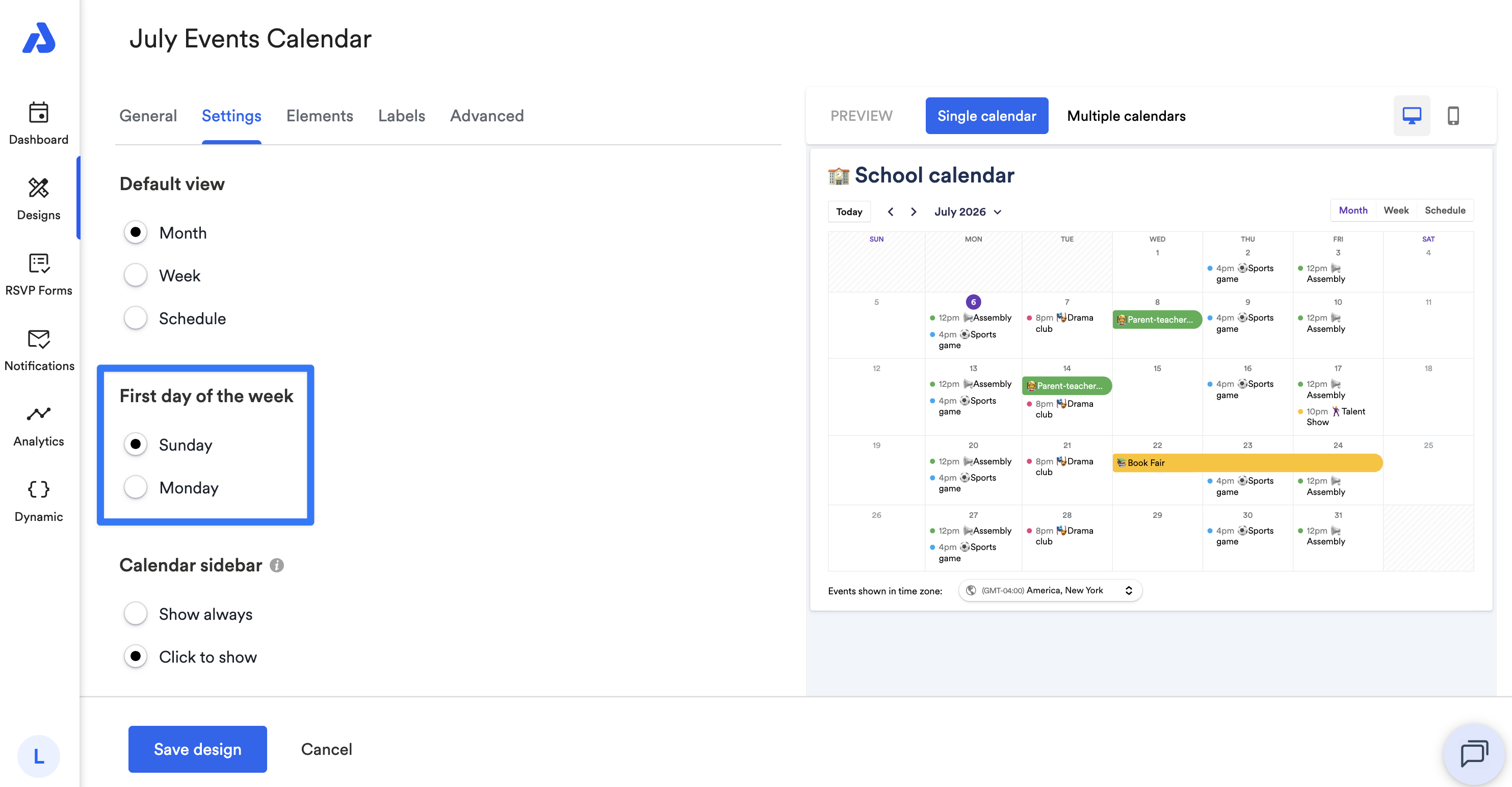
First Day of the Week
You can choose whether the calendar week starts on Sunday or Monday.
Calendar Sidebar
You can choose whether the sidebar is always visible or hidden until clicked.
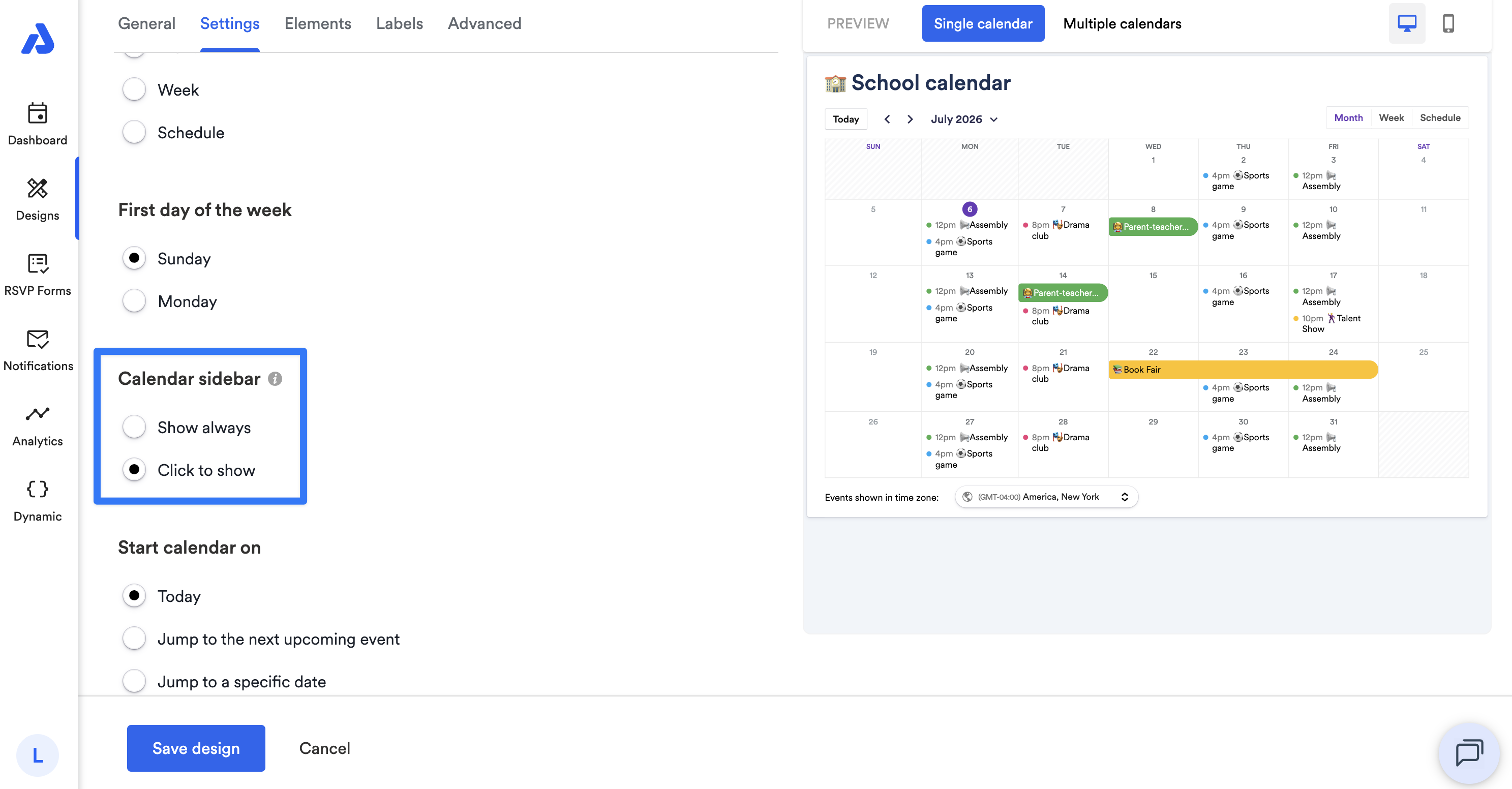
Note: The calendar sidebar only appears if more than one calendar is embedded. The sidebar automatically collapses if the screen size is less than 1,300 pixels wide.
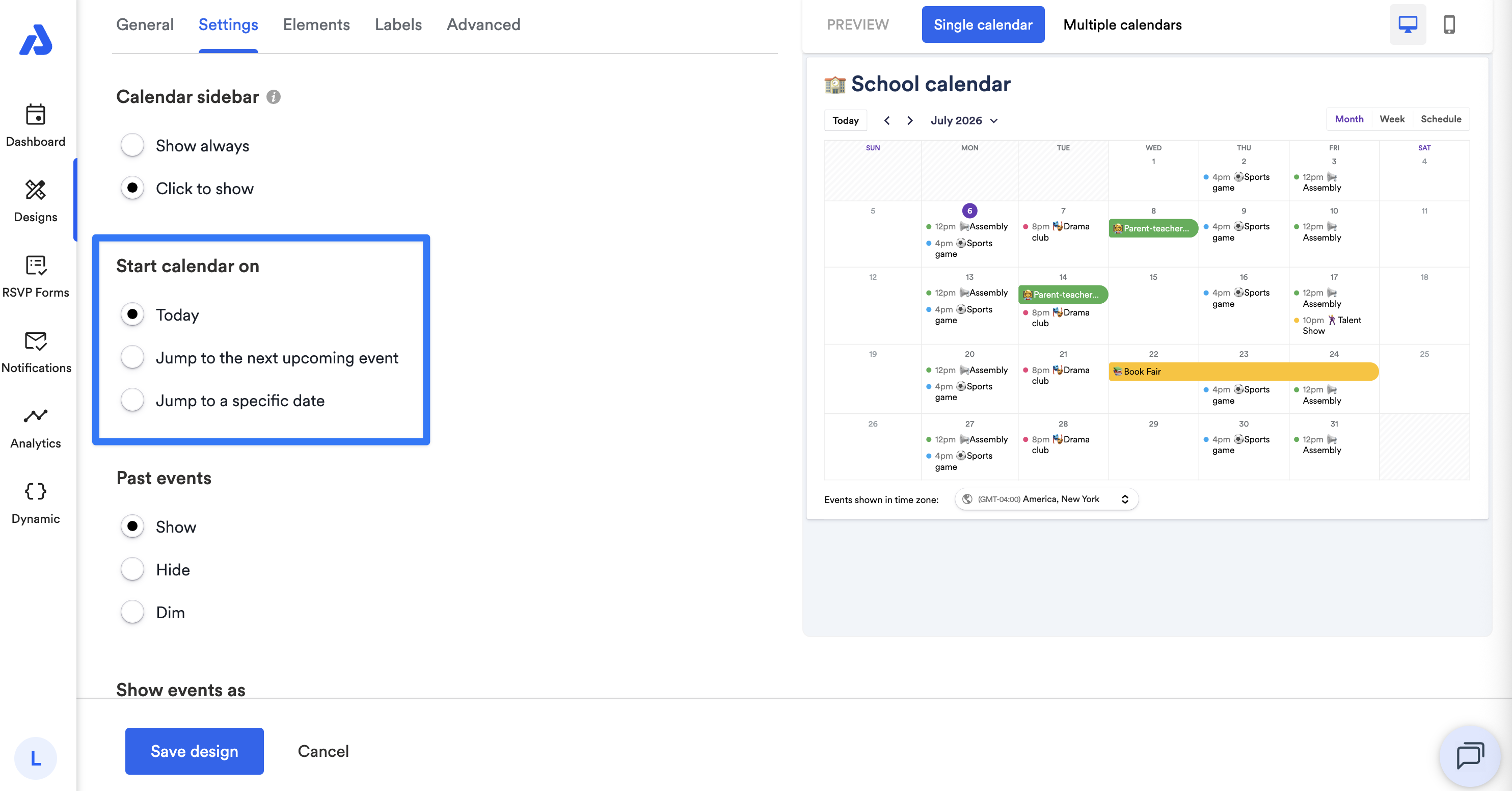
Start Calendar On
You can choose the initial date displayed when the calendar loads:
- Current date (default)
- Next upcoming event
- Specific date
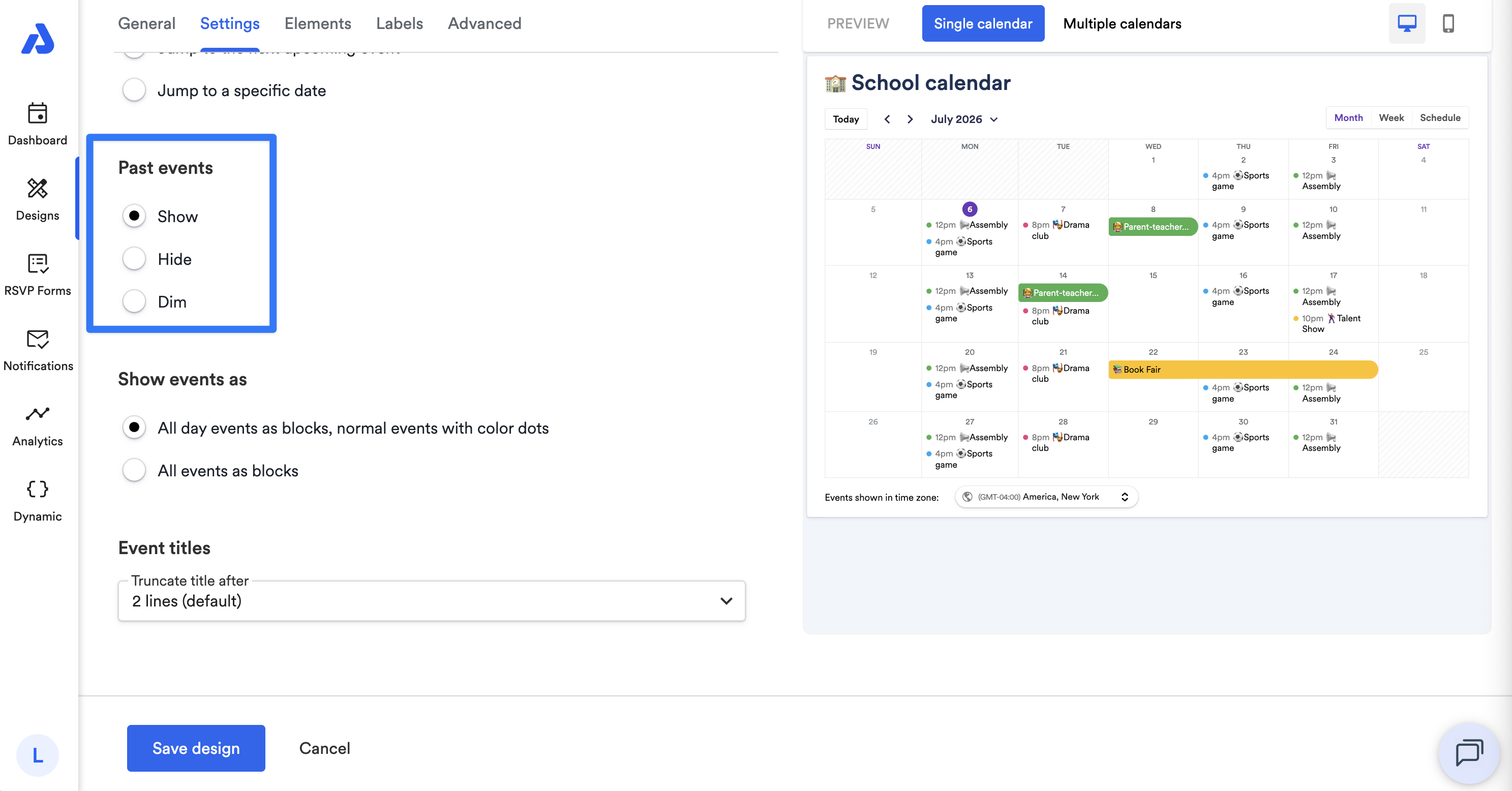
Past Events
You can control how past events are displayed:
-
Visible like current/future events (default)
-
Hidden
-
Visible but dimmed
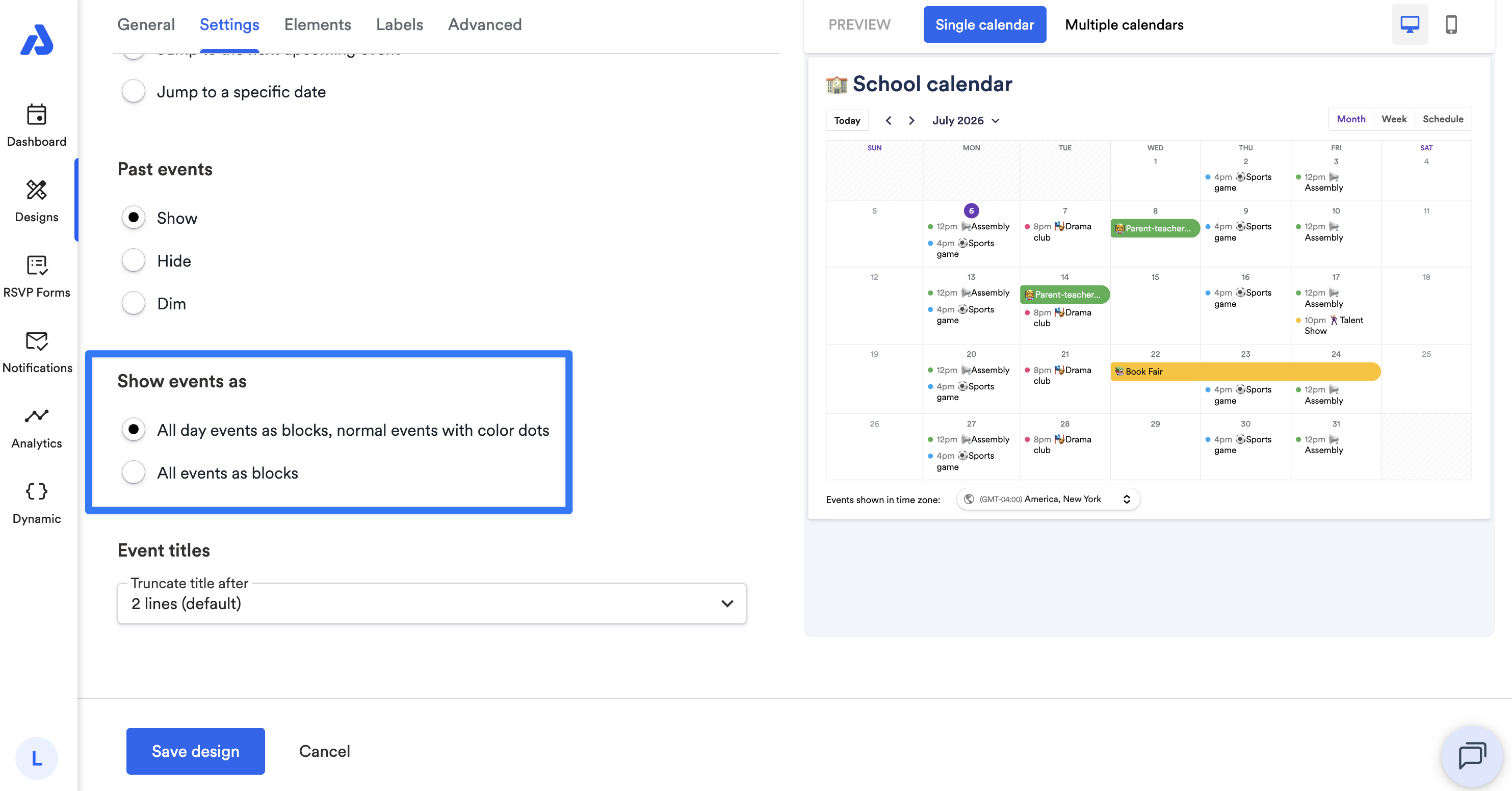
Show Events As
You can choose how events are displayed:
-
Default: all-day events as blocks, normal events as color dots
-
All events as blocks, regardless of all-day status
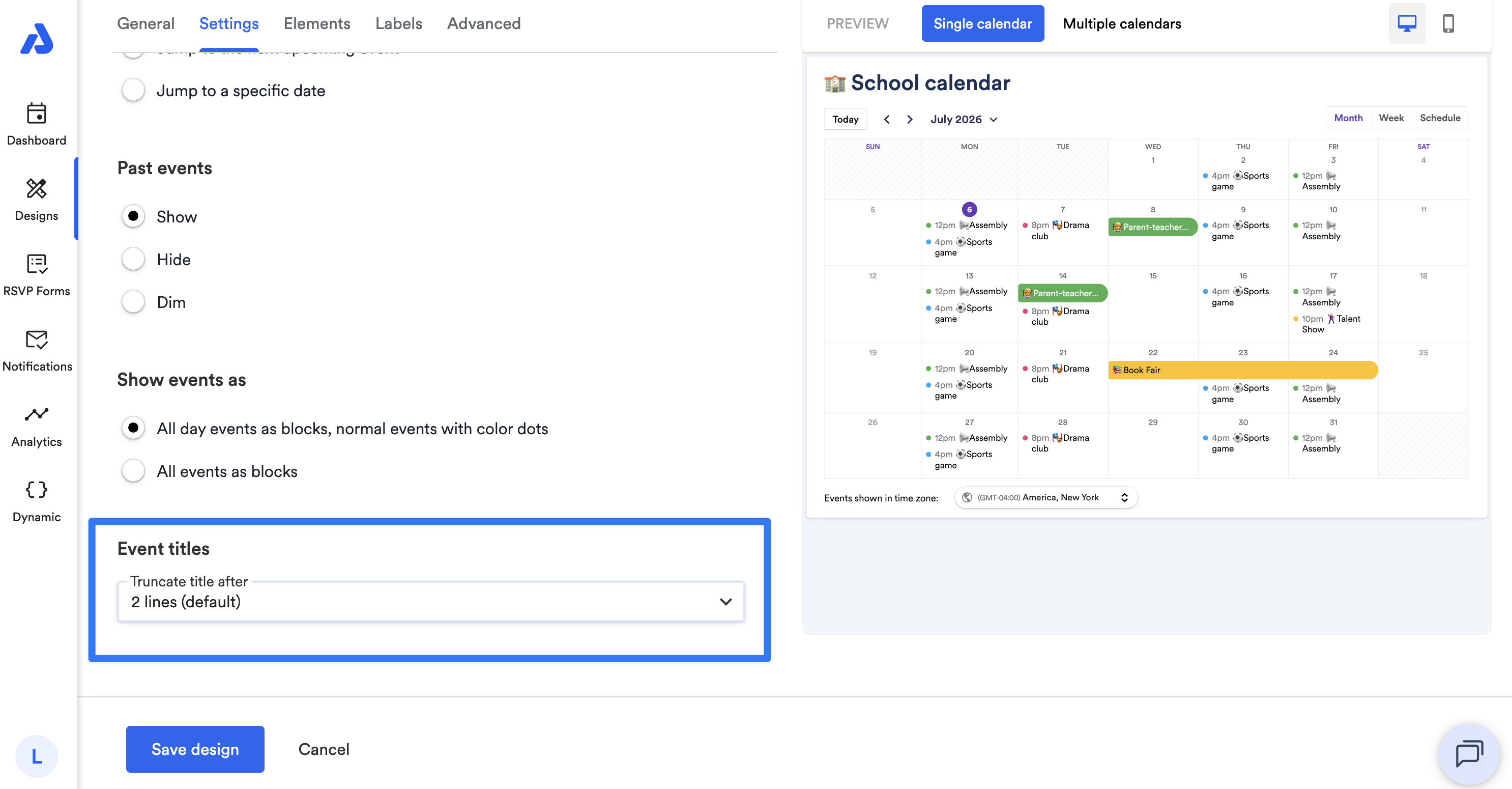
Event Titles
You can truncate long event titles after a set number of lines:
-
Default: 2 lines
-
Maximum without truncation: 5 lines
Updated 3 months ago