

Calendar IDs and Calendar Unique Keys
Looking for your calendar's ID or unique key? Follow the steps below.
How to Copy Your Calendar's ID and Unique Key
-
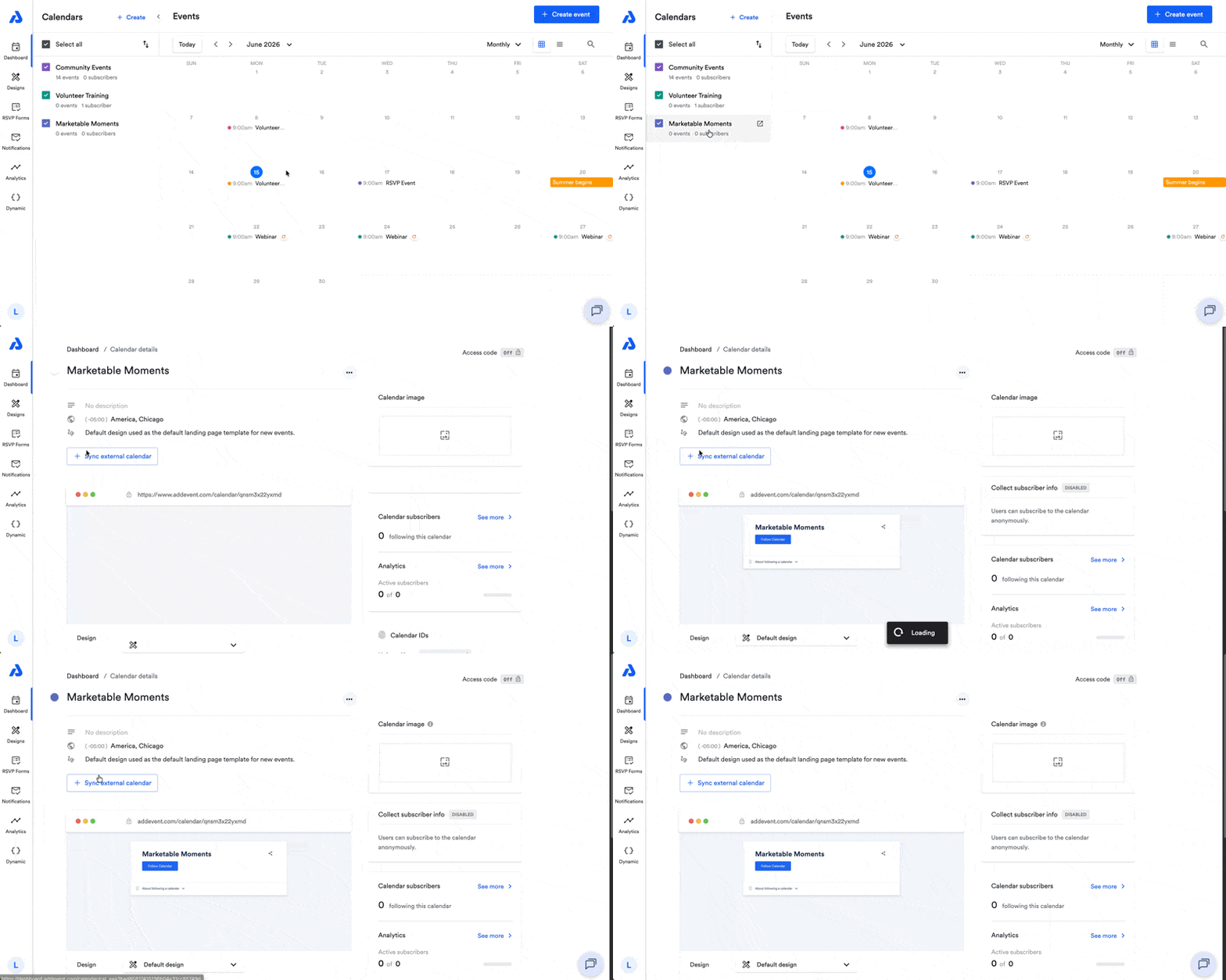
From the Dashboard, click on the calendar's title from the Calendar list. You will be directed to the Calendar details page.
-
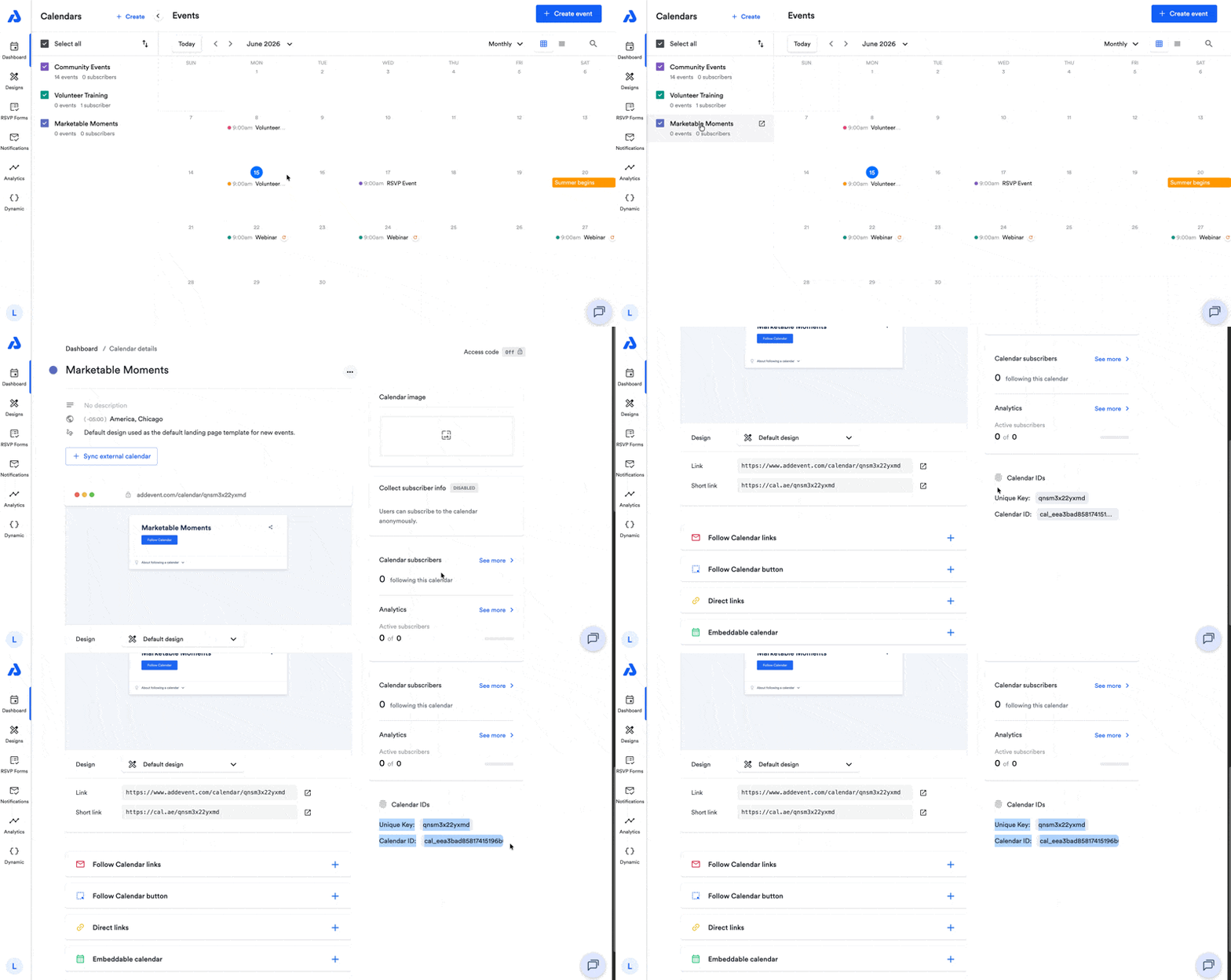
On the Calendar details page, scroll down and you will find the Unique Key and Calendar ID located on the right-side of the page under the Analytics section.
-
You can click the Unique Key or the Calendar ID to copy them to your clipboard.
-
To retrieve your event's event ID and/or unique key, please see our help doc here.
Updated 4 months ago
Did this page help you?