

Email Designs
Email design templates control how your emails look when they are sent to RSVP attendees.
Email designs define the visual layout, branding, and structure of your emails, but do not control when emails are sent or who receives them.
Email designs are used in:
- Notification Flows (automated emails)
- RSVP attendee update emails (manually sent emails)
What is an email design template?
An email design template is a reusable layout that defines:
- Email styling and branding
- Layout structure
- Event details display
- Fonts, colors, and logo
- Sender identity settings
Each notification or manual email has a design template assigned to it; if no custom email design is selected, the default email design is used.
Where Email Designs Are Used
Email design templates are applied in two main places:
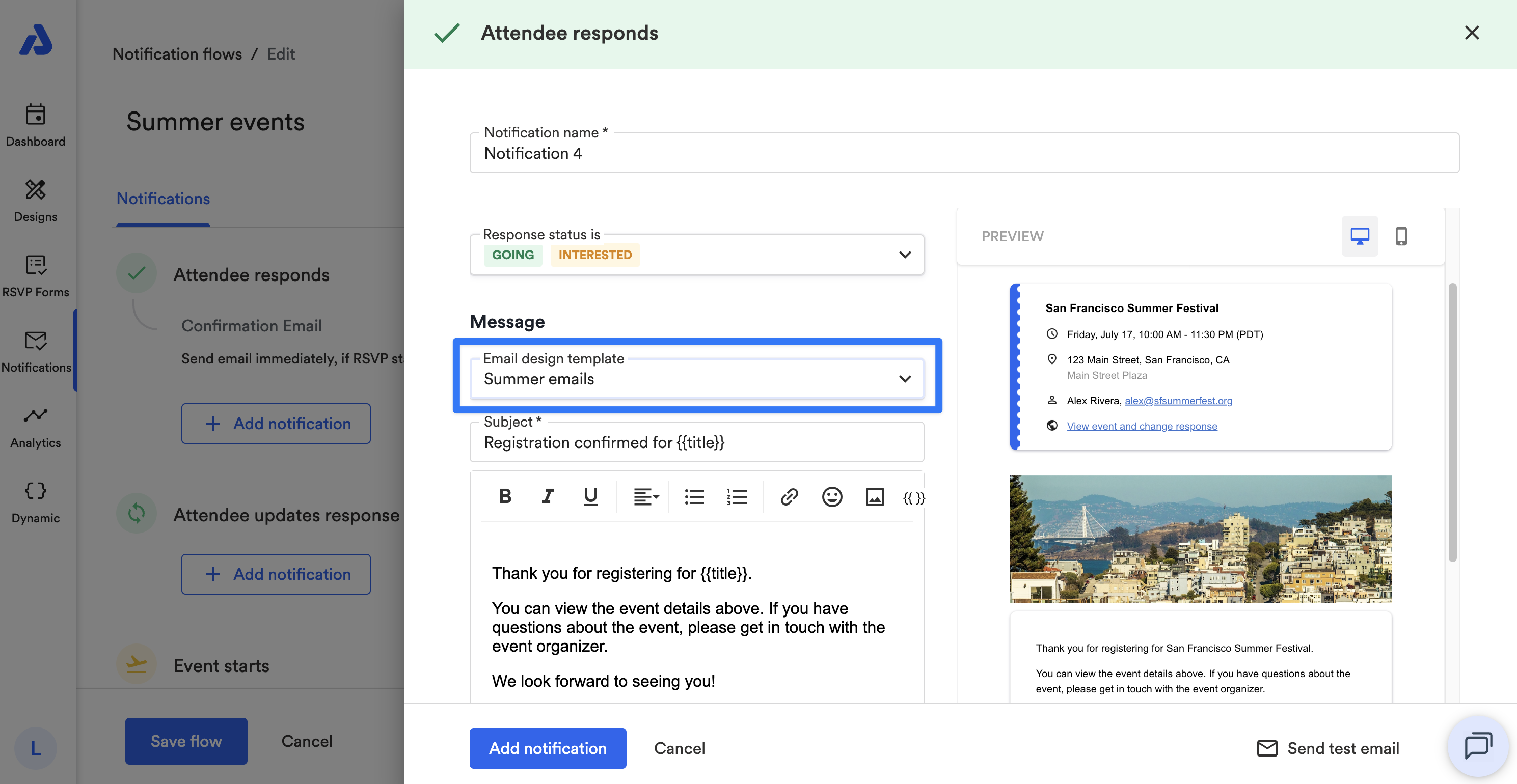
Notification Flows
Each notification inside a Flow uses an email design template that controls how the email looks.
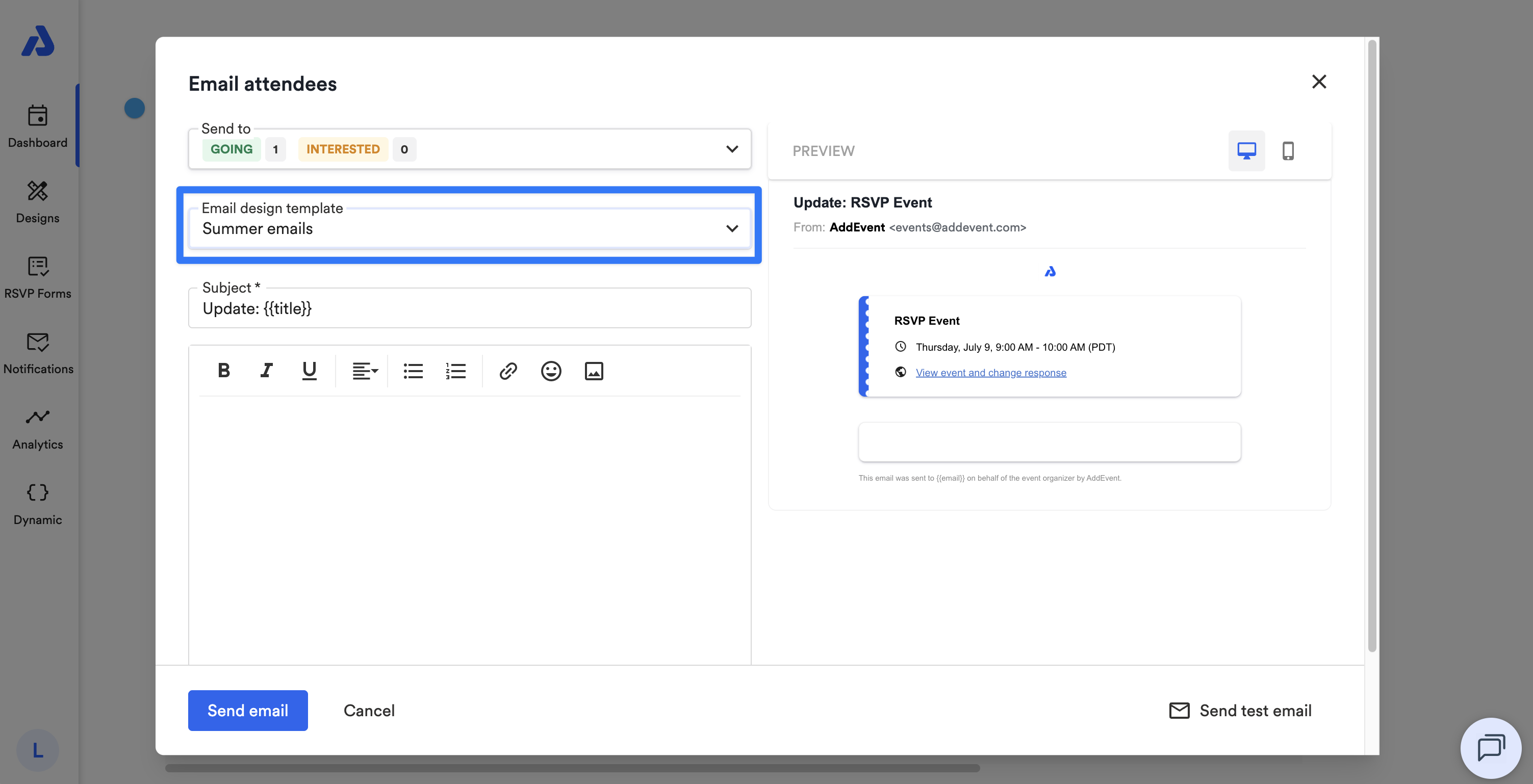
RSVP attendee update emails
When sending manual update emails to attendees, a custom email design template can be selected before sending.
Key Components of an Email Design
Each email design template includes three configuration areas:
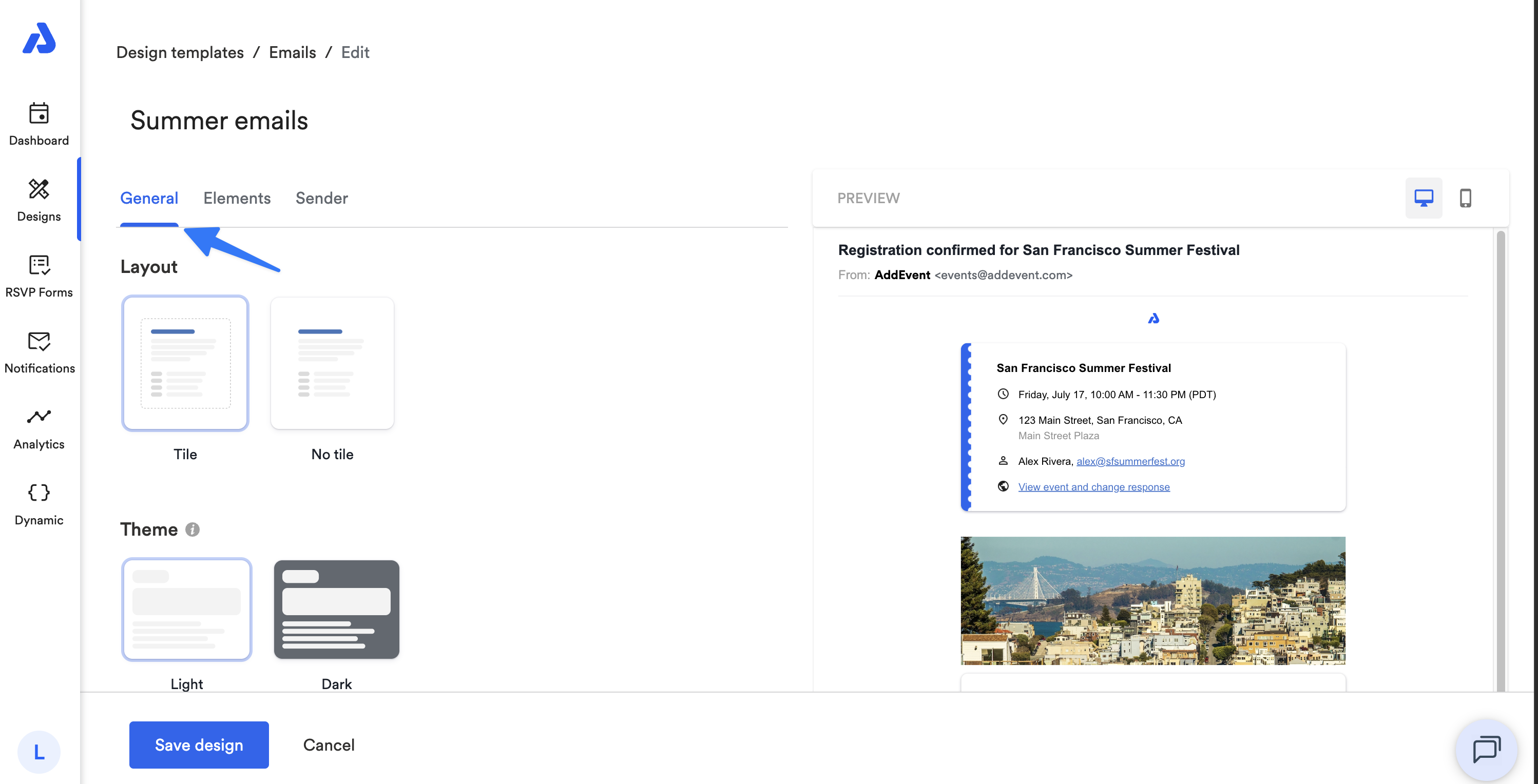
General
Controls the overall appearance of the email, including:
- Layout style (tile or no tile)
- Theme (light or dark mode)
- Logo settings
- Email colors
- Font styling
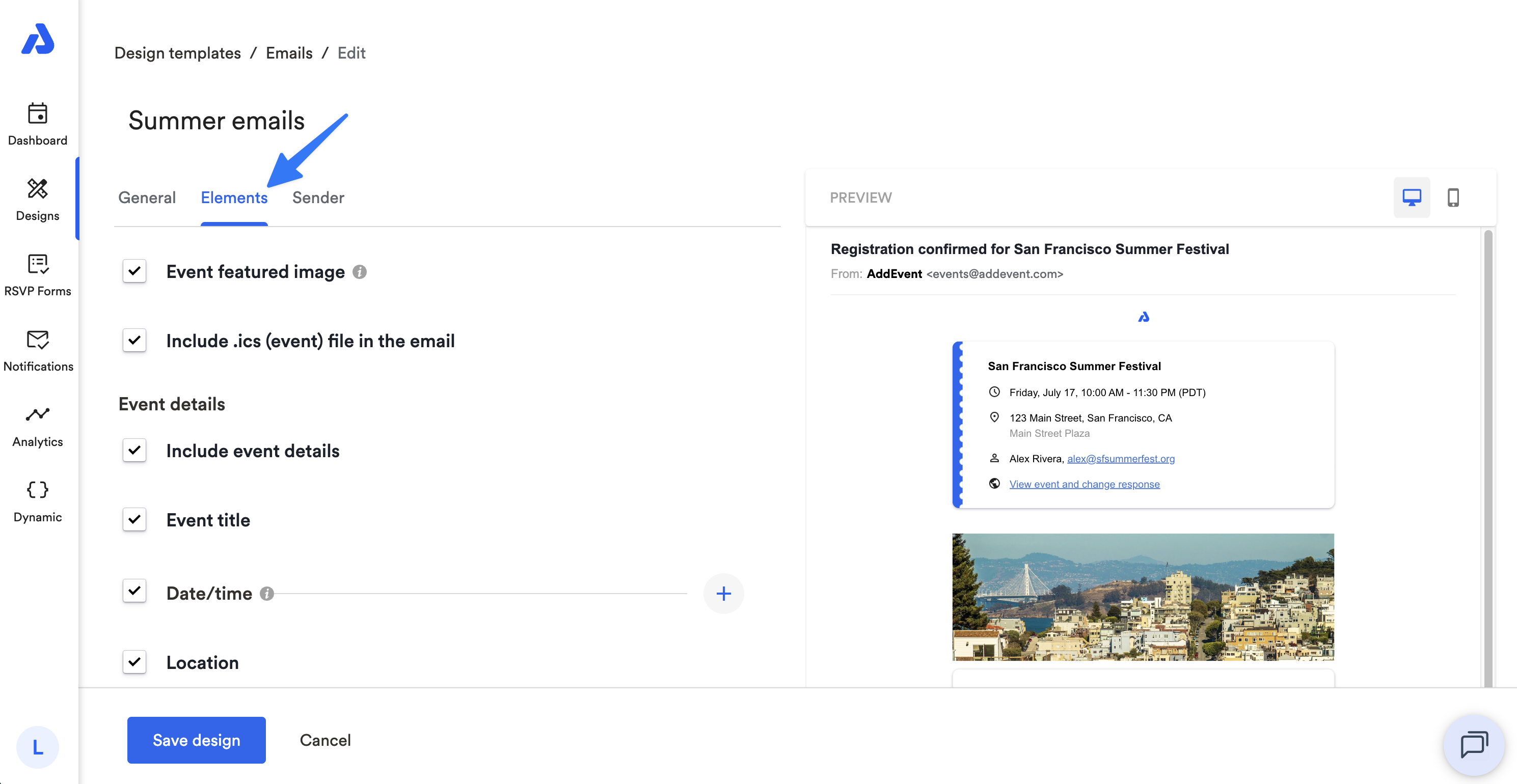
Elements
Controls what content appears inside the email, such as:
- Event image
- Event details (title, date, location)
- RSVP link
- Calendar attachment (.ics file)
- Labels and display text
Sender
Controls how the email is sent, including:
- Sender name
- Sender email address
- Reply-to email address
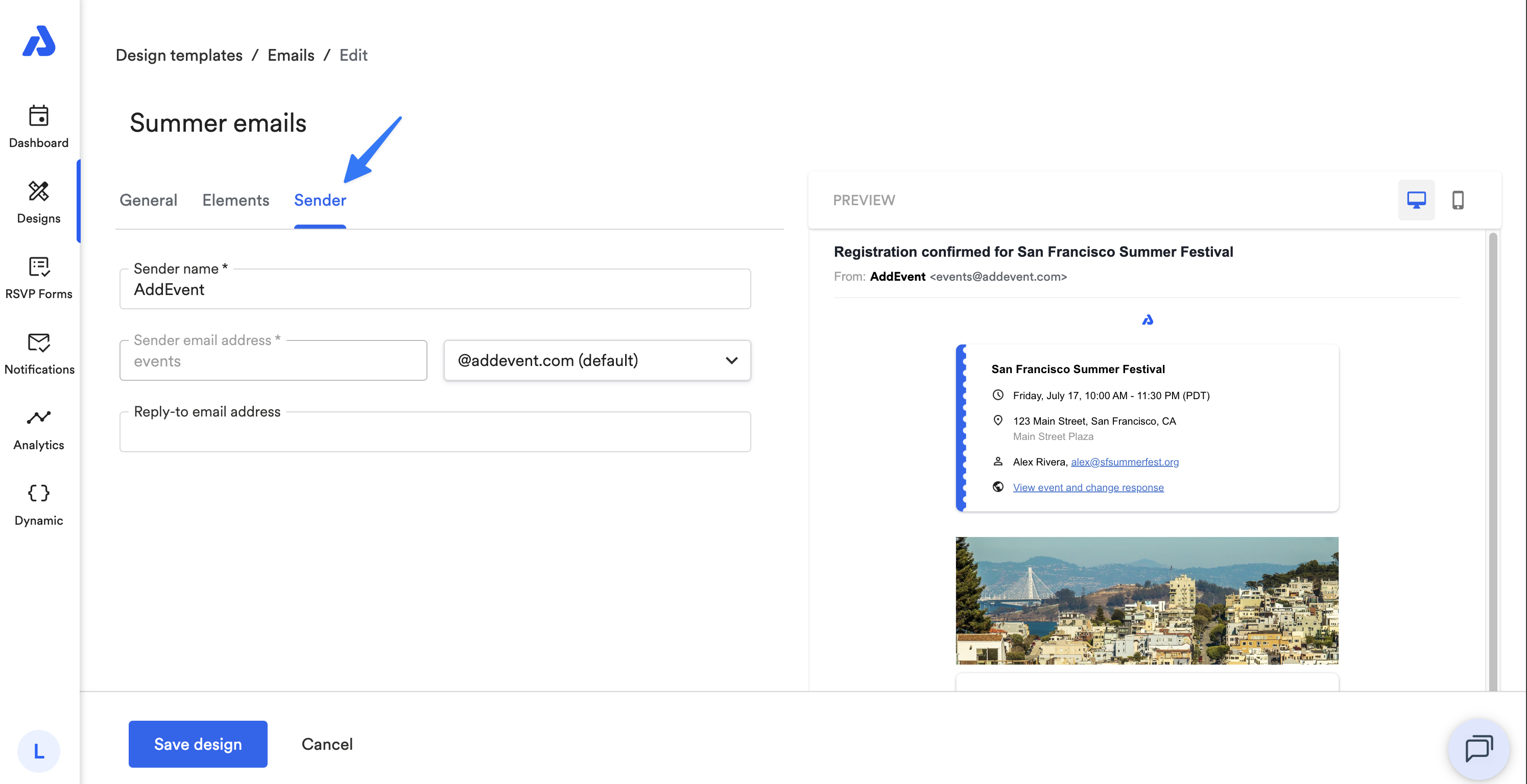
Sender settings can be configured per template, giving more flexibility across different campaigns. See our help doc here for more information on the Sender Domain set up.
Themes and Appearance
Email designs support two themes:
- Light mode
- Dark mode
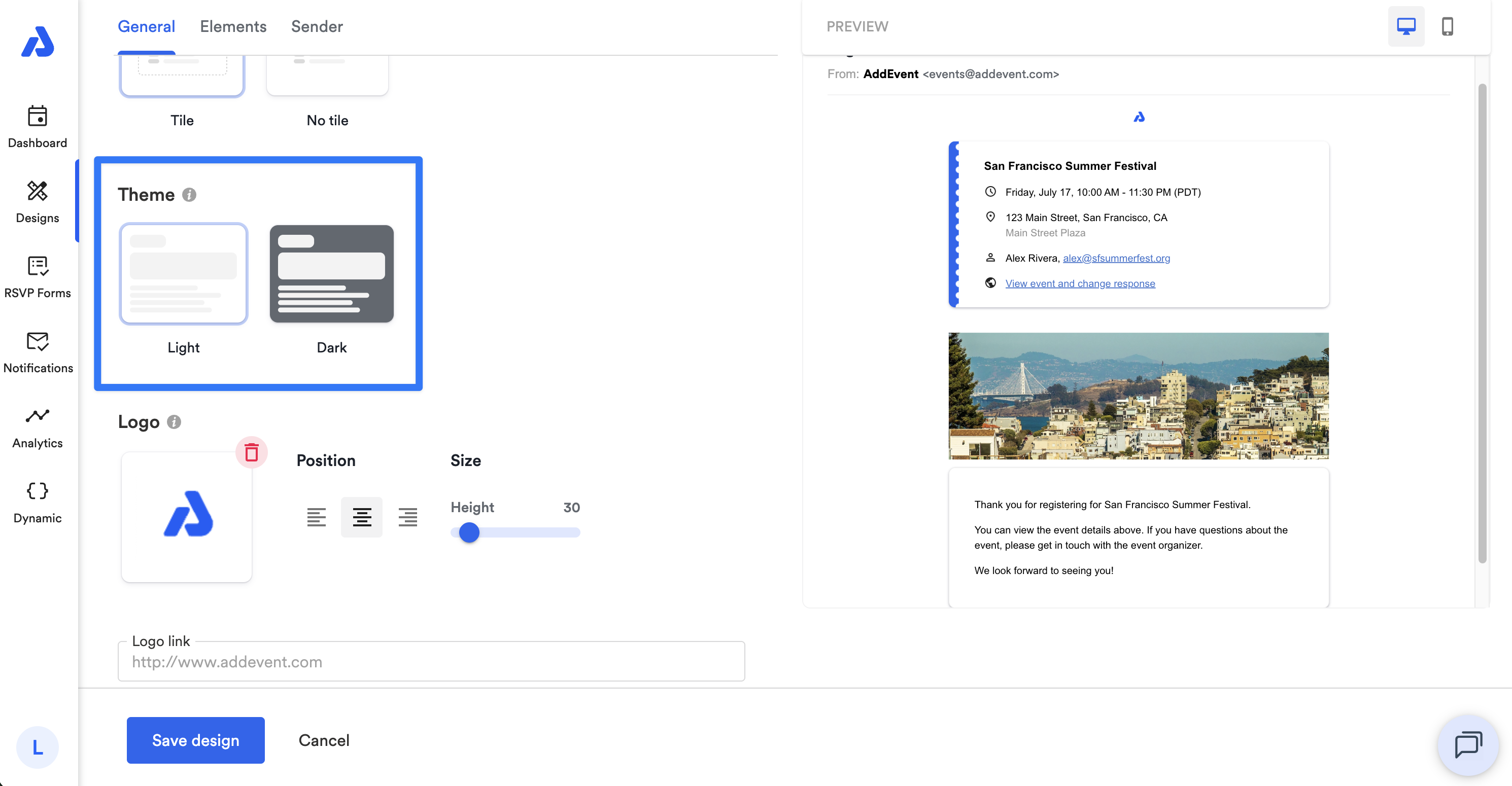
Dark mode may override certain color settings to ensure readability, such as background color, text color, and link color.
Logo Settings
You can add a logo to your email design and configure:
- Position (left, center, right)
- Size
- Click-through link
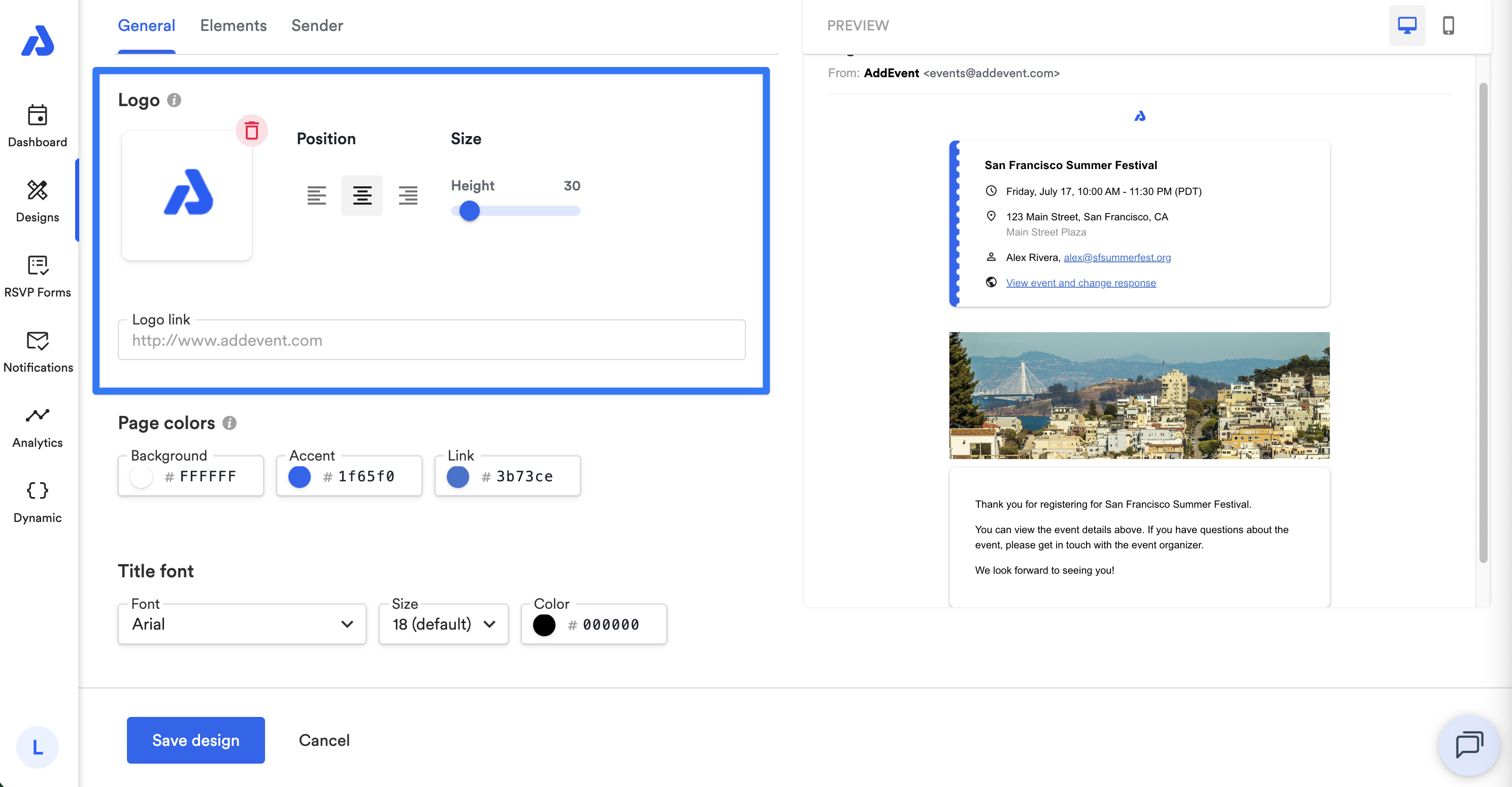
If no logo is set, logo-related settings are disabled.
Email Colors and Fonts
Email designs allow customization of:
- Background color
- Accent color
- Link color
- Title font (type, size, color)
- Body font (type, size, color)
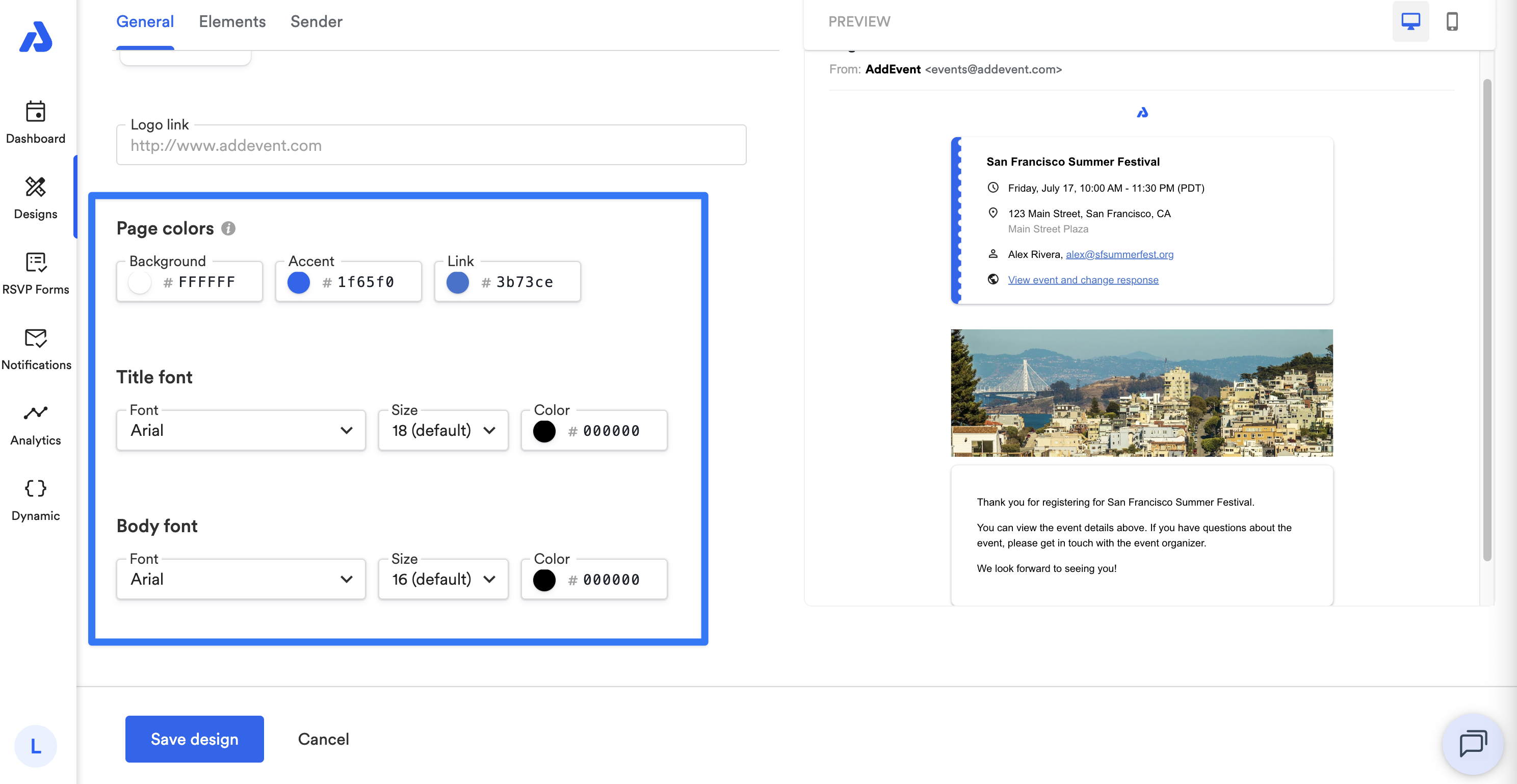
Some settings may be overridden in dark mode to maintain accessibility.
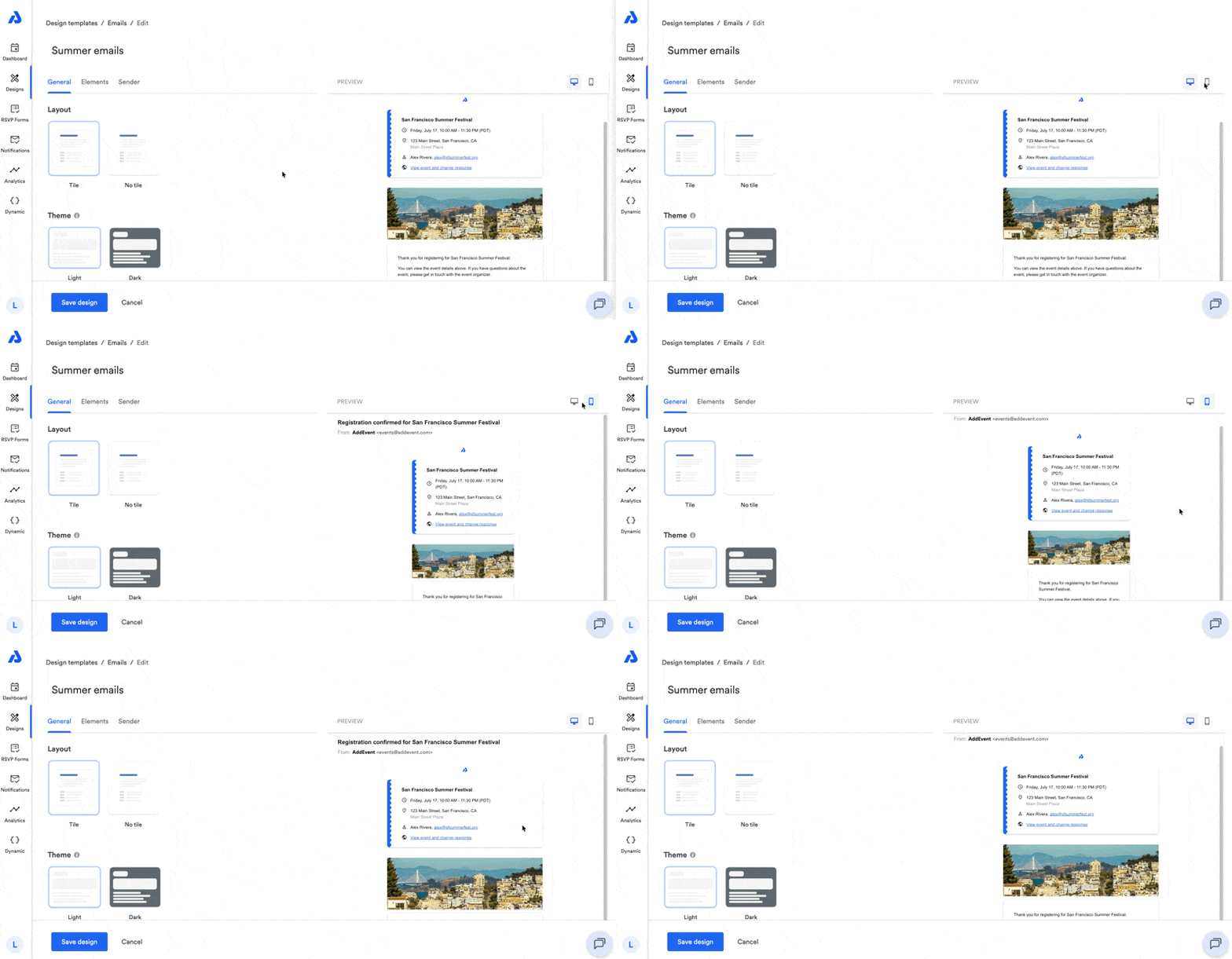
Live Preview
Email designs include a live preview that updates as you make changes.
You can switch between:
- Desktop preview
- Mobile preview
Updating an Email Design
When you update an email design template:
- All Notification Flows using that design will be affected
- Future emails will reflect the updated design
- Changes may take up to a short caching period to appear in live emails
Test emails are not affected by caching and will always reflect the latest version.
Permissions and Availability
Email design templates are available on paid plans only.
Only Admin and Editor users can create or modify email designs. To learn more about account user types, see our help doc here.
Related Docs
Updated 3 months ago