
Apply an Email Design Template to a Notification Flow
This help doc explains how to apply an email design to a notification flow.
To apply a design template to a calendar, you'll first need to navigate to the Notification Flow you want the email design applied to.
Apply an Email Design Template to a Notification Flow
-
Navigate to the Notification Flows page and select the Notification you want to edit.
-
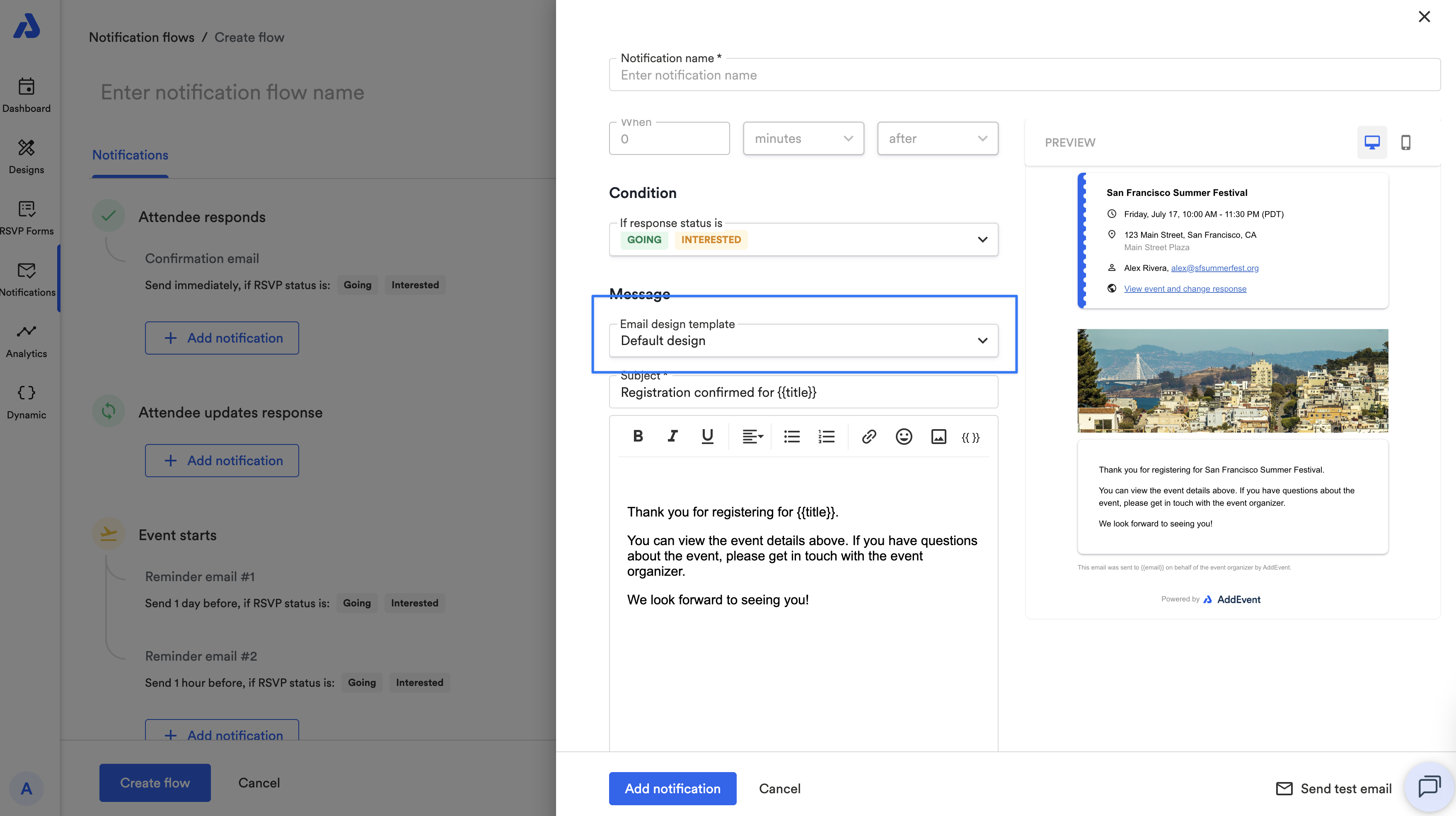
Click into an existing notification to edit it or click + Add notification to apply it to a new notification.
-
Select the Email design template dropdown to apply an email design template.